Pro free until January

Transcribe audio to text with AI

Upload any audio or video file and get an accurate transcript in minutes. Record a voice note or a meeting and it becomes a note you can search and ask AI about.

Drag and drop a file

or click to choose a file

MP4MOVM4AMP3WAVOGGFLACAAC

iPhone Voice Memos work great · Max 1 GB

  • Secure: files aren’t stored
  • Ready in minutes, not hours
  • Works with iPhone Voice Memos

How it works

  1. 1

    Upload a file

    Drag an audio or video file onto the page. MP3, M4A, WAV and all the other common formats work.

  2. 2

    Wait a moment

    The AI model turns your recording into accurate English text. No waiting in a queue.

  3. 3

    Copy your text

    Copy the text or download it as a file. Word-level timestamps are included.

My notes

Now an app, too

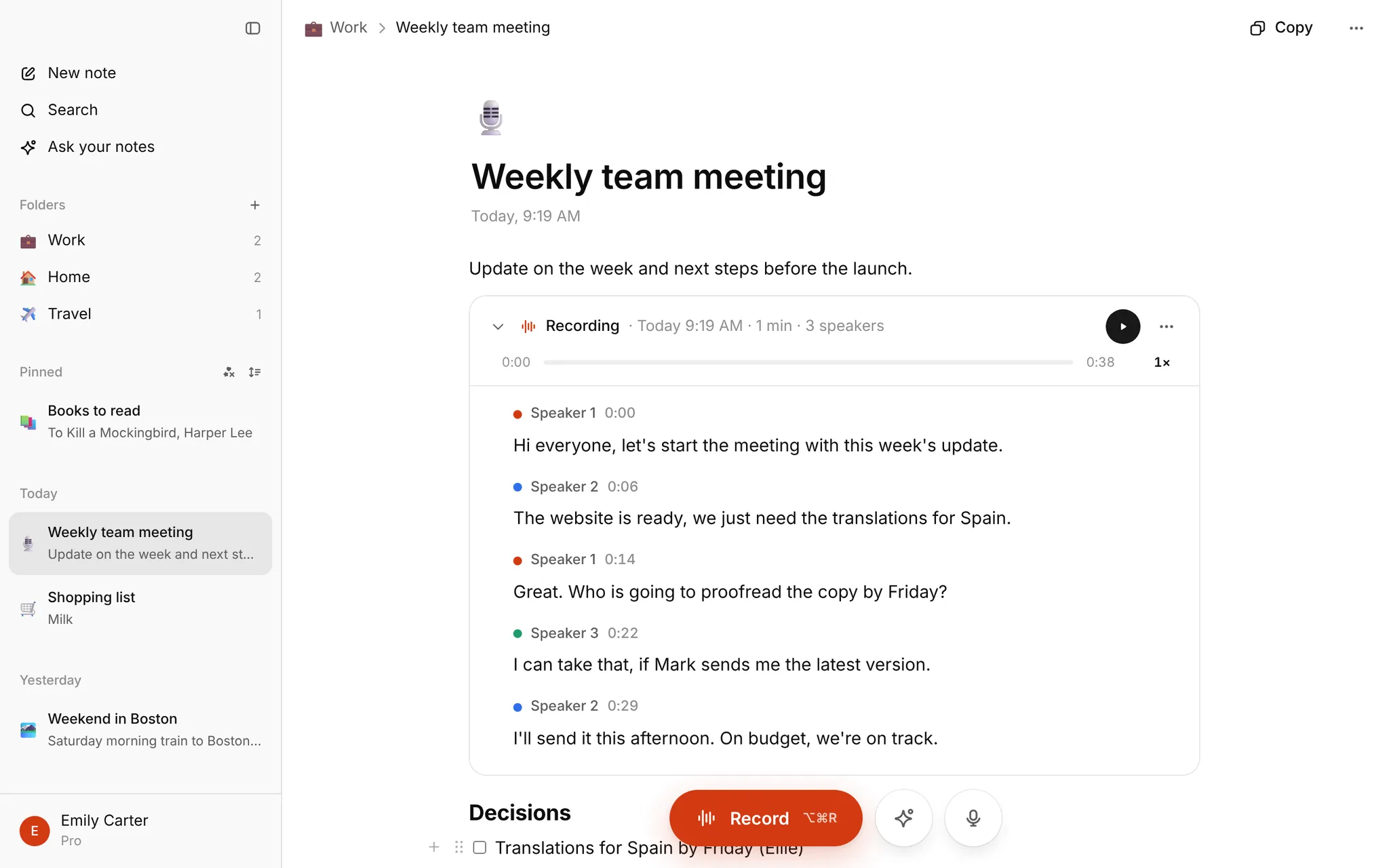
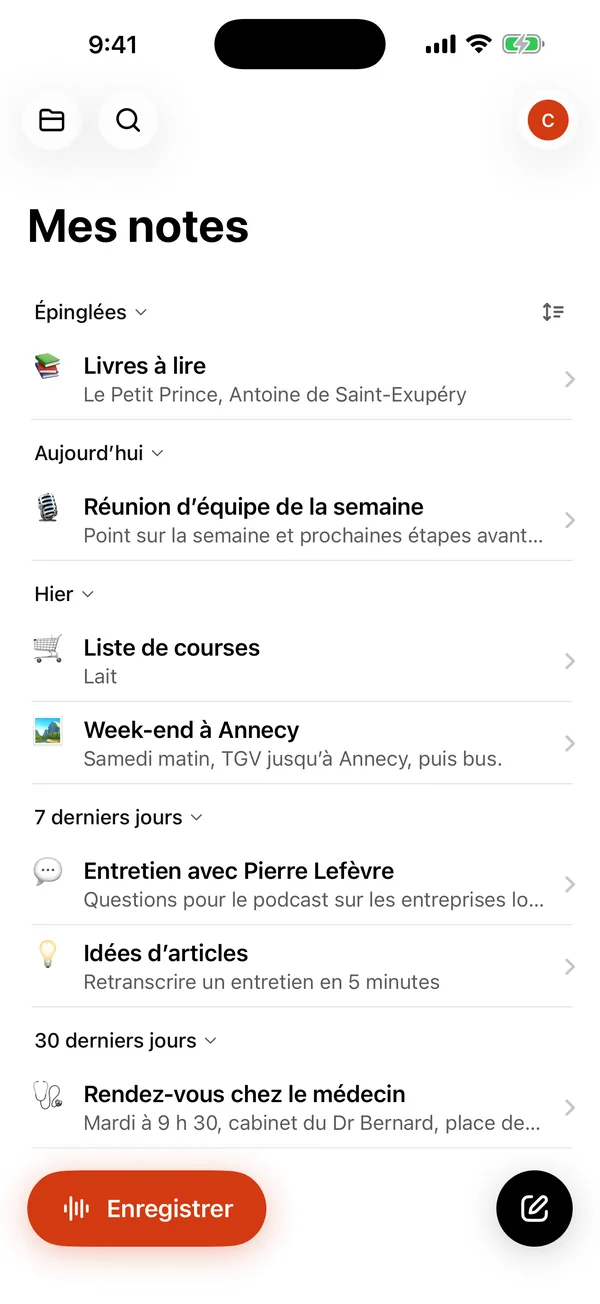
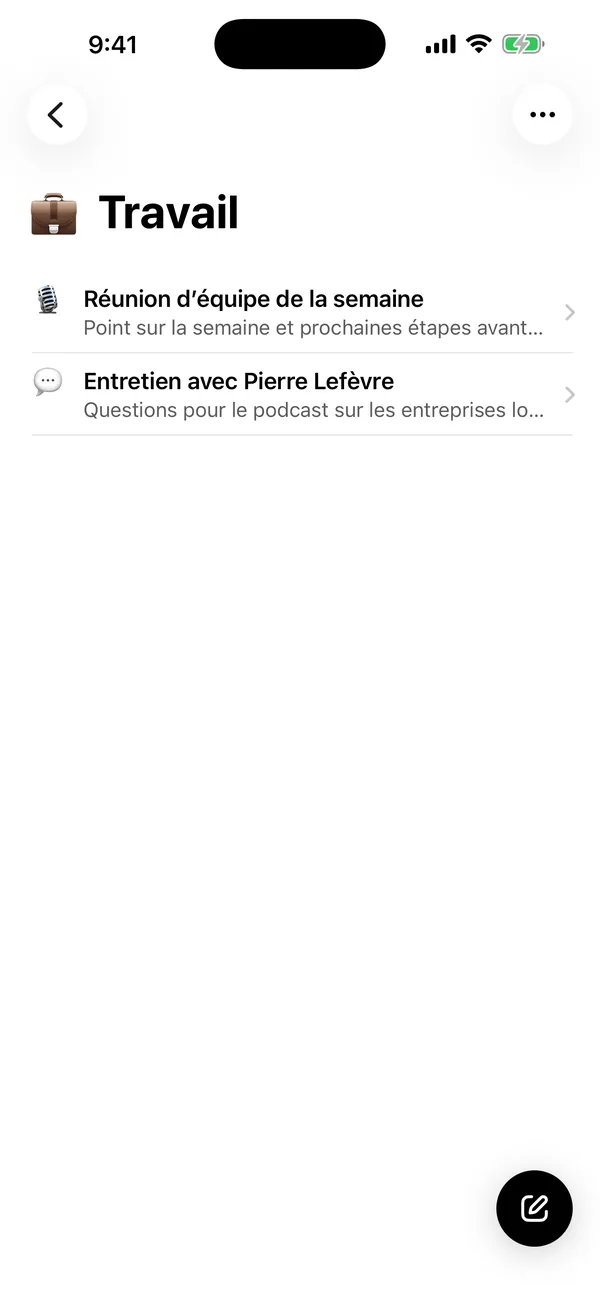
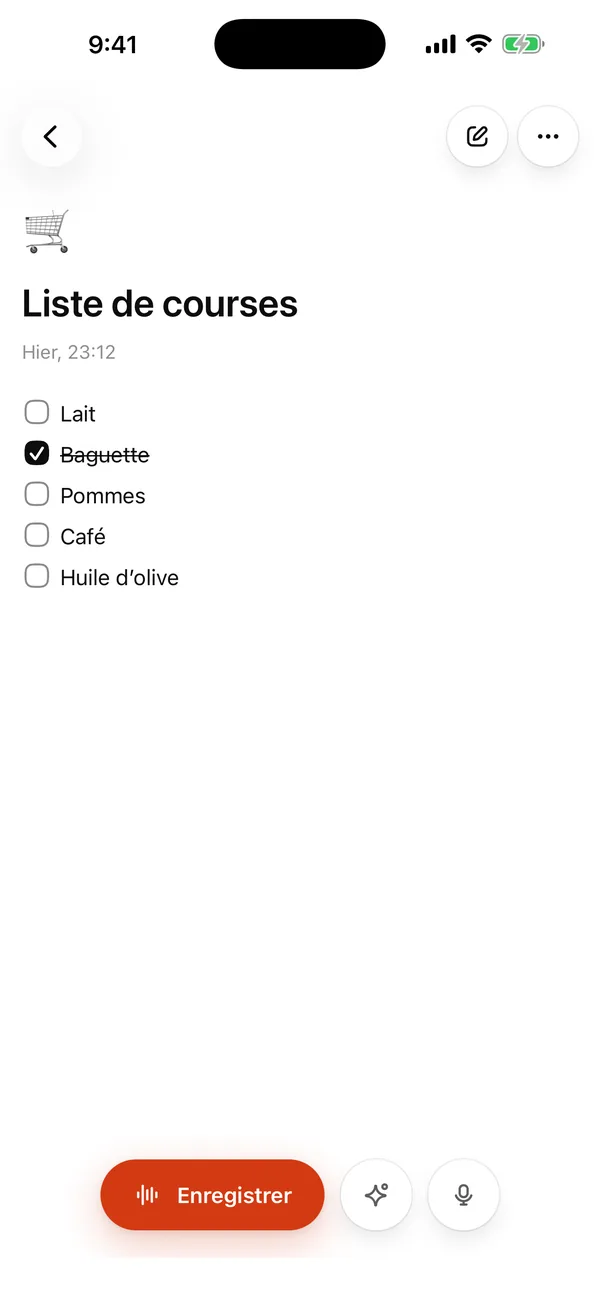
Sign in and Supertranscription becomes your notebook: recordings, transcripts and notes in one place, sorted into folders and always at hand.

Supertranscription for iPhone and Mac

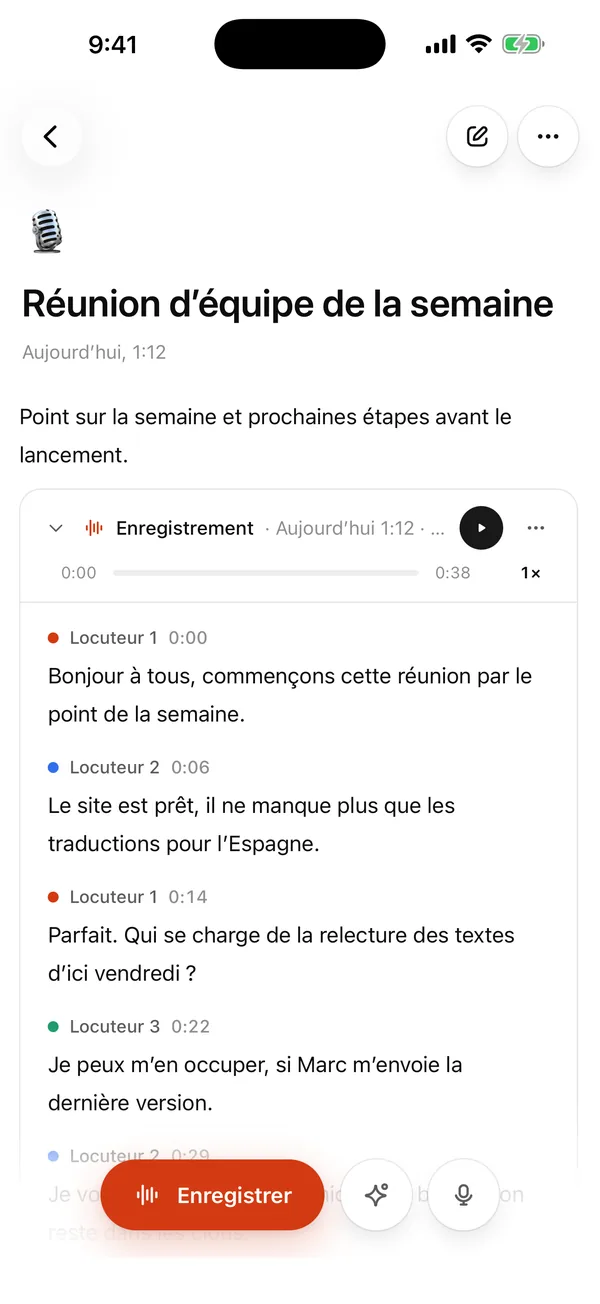
Record or upload

Your recording is transcribed into a note you can edit and add to.

Record or upload

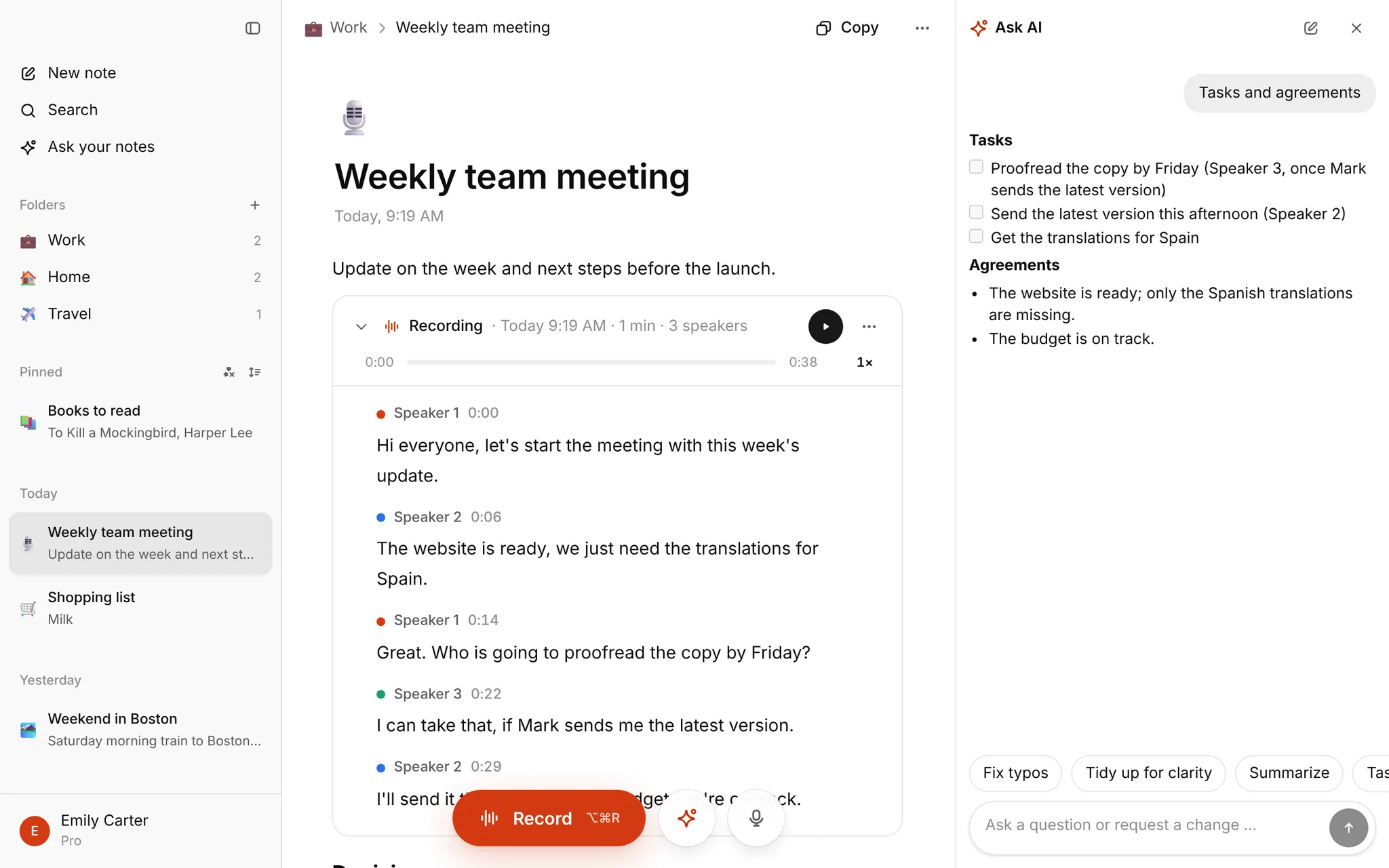
Ask AI

A summary, tasks or a translation from one note, or a single question across all your notes at once.

Ask AI

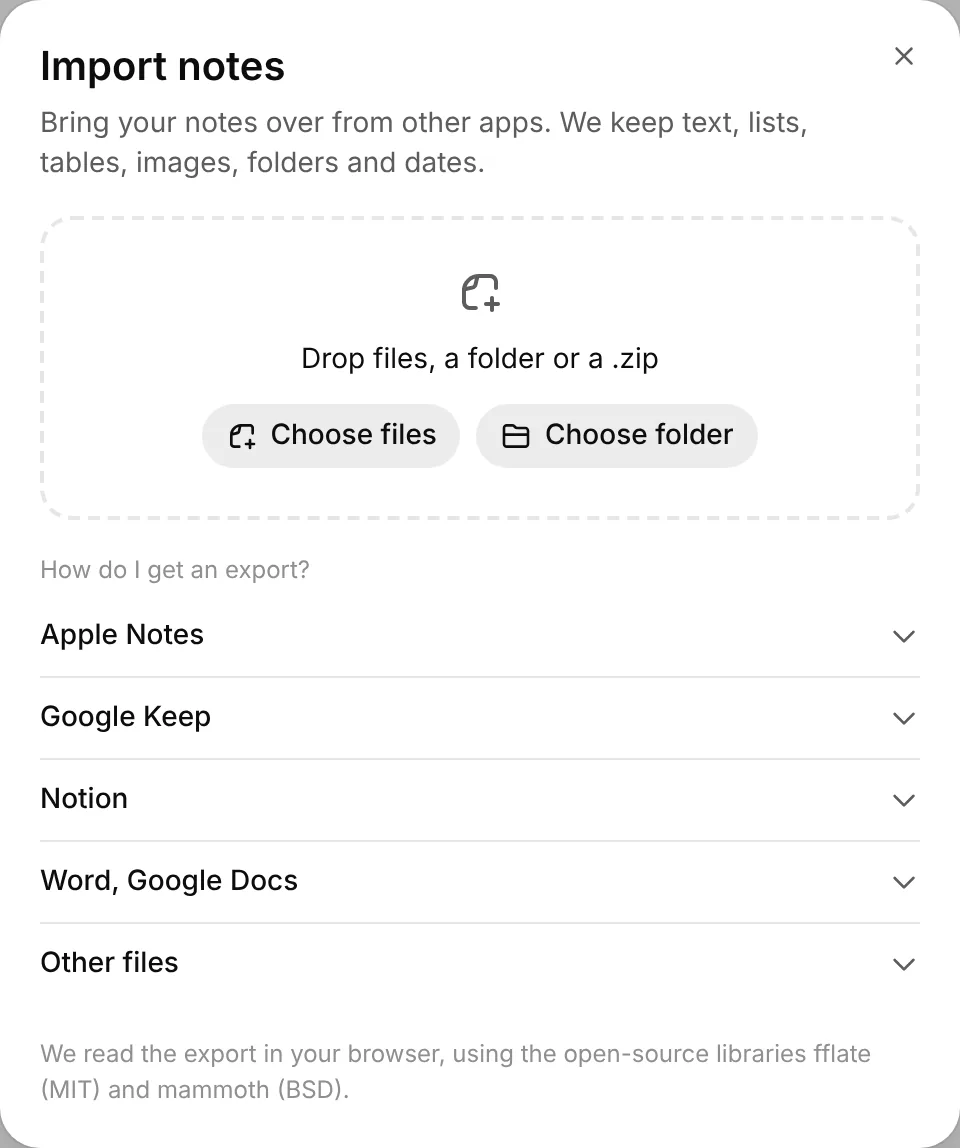
Import your old notes

From Google Keep, Notion, Apple Notes or Word files.

Import your old notes
App

Supertranscription for iPhone and Mac

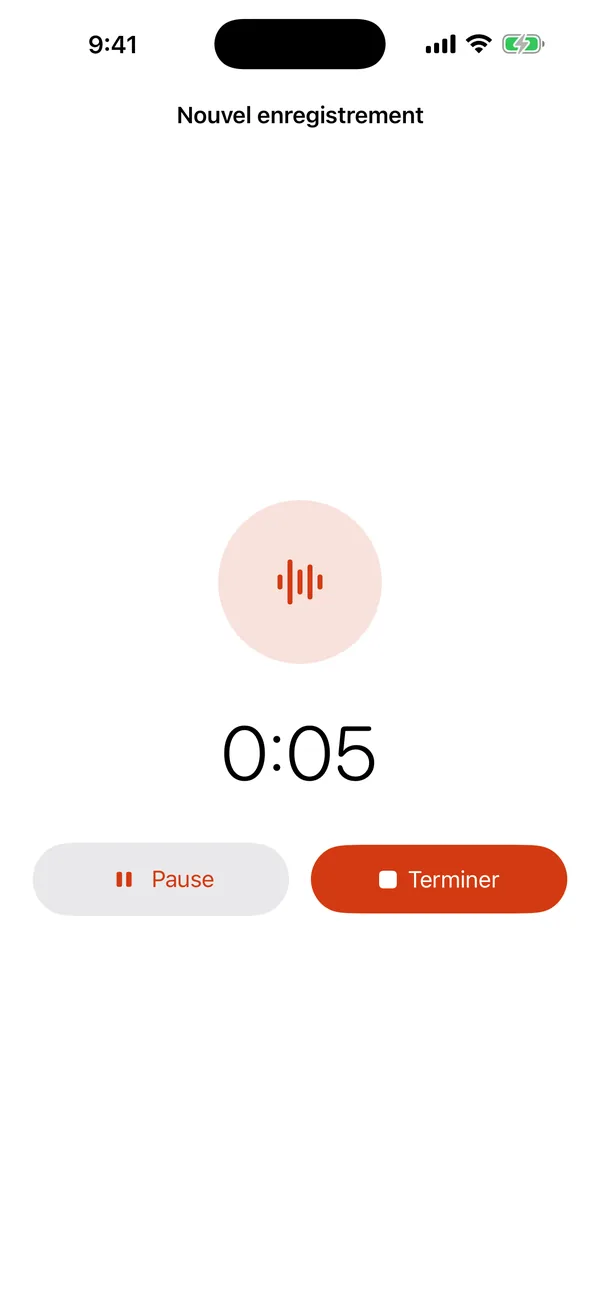
Record lectures and meetings right from your phone or computer. The transcript is made automatically and waits for you in your notes on every device.

  • One-tap recording, the transcript arrives on its own
  • Dictate notes instead of typing
  • The same notes on your phone, Mac and the web
Get it fromApp Store
Supertranscription for iPhone and Mac

Who Supertranscription is for

For anyone who needs to turn spoken words into text, fast.

Students

Lectures, seminars and interviews for your thesis: text you can search and quote.

Journalists and researchers

Transcribe interviews in minutes instead of hours, with timestamps and speaker recognition.

Teams and businesses

Meetings, phone calls and voice memos as text for minutes or a summary.

Frequently asked questions

Is it really free?
Yes. Without an account you can transcribe one file up to 30 minutes. Sign in with Google or Apple and you get Pro free until January: 10 hours of transcription a month, transcripts saved as notes, and AI you can ask about them. No card needed.
How accurate is the transcription?
We use the latest AI transcription models, which handle English very well. Clear speech gives the best results; background noise and people talking over each other lower the accuracy.
Which audio formats are supported?
We support M4A (iPhone Voice Memos), MP3, WAV, OGG, FLAC, AAC, WebM and MP4 video.
Are my files stored?
Not on the homepage: audio files are sent to the transcription server for processing only and deleted right away. If you sign in and use My notes, we keep the recording and its transcript for you until you delete them.
How long can my recording be?
Files up to 1 GB. Without an account, one file up to 30 minutes; when you sign in, longer ones too, up to 10 hours a month until January.
Pro free until January

Pro is free for everyone until January

Sign in with Google or Apple: 10 hours of transcription a month, AI in your notes and dictation. No card, nothing to cancel.

Start for free