Download the Word template. It also opens in Google Docs: File > Open > Upload.
The template
[Church name] [parish council / church council / vestry] minutes Date, time, place: [date], [time], [place] Present: [names]. Apologies: [names]. Quorum: [yes / no]
- Opening prayer and welcome. Opened at [time] by [name].
- Minutes of the last meeting. Approved [as written / as corrected]. Moved by [name], seconded by [name].
- Clergy and wardens' reports. [Summary.]
- Treasurer's report. [Key figures.]
- Buildings, ministries and events. [Item, summary, decision.]
| Motion | Moved by | Seconded by | Result |
|---|---|---|---|
| [exact wording] | [name] | [name] | Carried / failed |
- Action items. [Task, owner, due date.]
- Next meeting. [date, time, place]. Closing prayer and adjournment at [time].
Minutes taken by: [name]. Approved on: [date]. Signed: Chair ______ Secretary ______
Notes
Your denomination, diocese or governing documents may set rules for what the minutes must include, how long to keep them and who may see them. Follow those first. Pastoral and personnel matters are often handled in a closed session. Record that the council went into closed session and any decision, not the private details.
Keeping it short
Church minutes are read by the whole congregation more often than people expect, so write them as something you would be happy to see read aloud. Record decisions, amounts and who is responsible. Leave out opinions and remarks about named people. If the council votes on a budget, a repair or a hire, write the motion in full with the amount, so the record is clear years later. Approved minutes are usually kept in the parish or church office, and many groups also keep a printed copy.
Fill it from a recording
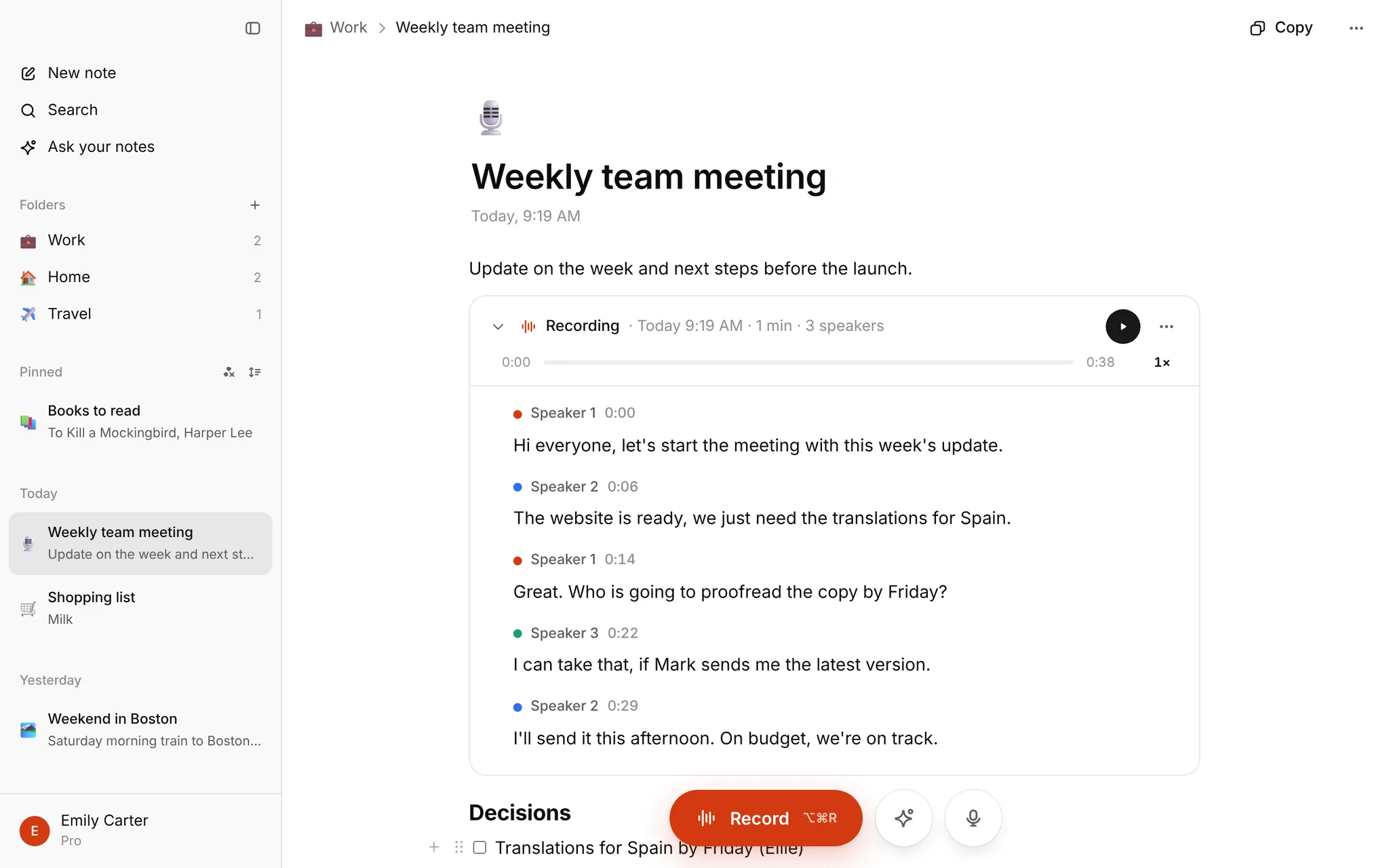
Record the meeting in My notes and a few minutes after you stop, the transcript appears with speaker labels and times. Ask AI can draft the minutes from it in the shape above. It is a first draft: you check the names, numbers and votes against the transcript before it goes anywhere. There is no bot for online meetings, and no Word export. Copy the text into the template. Nothing is for sale right now: every account that signs in has Pro free until January, up to 10 hours of transcription a month.
More: meeting minutes hub, minutes template, how to take meeting minutes.