What Granola is
Granola is an AI notepad for meetings: you jot notes during a call, and it adds a cleaned-up summary from the transcript. Its pricing page lists Basic at $0, Business at $14 and Enterprise at $35 per user a month, and says apps for desktop, iOS, Android and Apple Watch are included. The free plan has limited meeting history (30 days on its comparison table). Checked October 2026. So "is Granola free?" Yes, with limits; check its site for the current ones.
Where Supertranscription is different
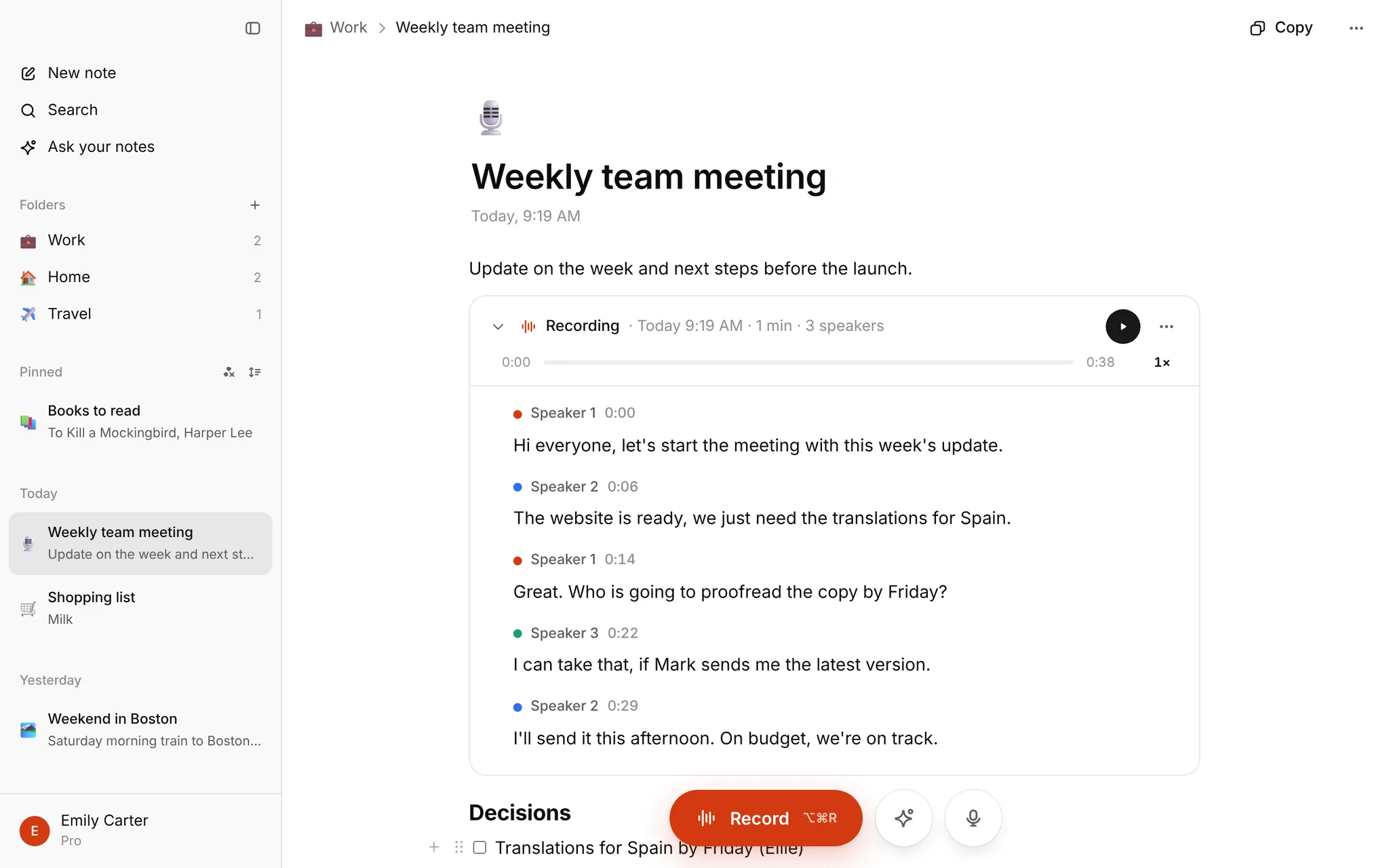
Supertranscription is a notes app where you can record in your browser or import a file, and the transcript appears inside the note with speakers and timestamps. Then ask AI about it. It's the same idea for people who are not in back-to-back calls: interviews, lectures, a committee meeting in a room.
| Granola | Supertranscription | |
|---|---|---|
| Where it runs | Apps (checked October 2026) | Any browser, desktop or phone |
| Free | Basic plan, limited history | Pro free until January, up to 10 hours of transcription a month |
| Records | Your meetings | In-room audio, or any file you import |
| Notes | AI-enhanced meeting notes | Notion-style notes with recording blocks |
| Ask AI | Yes | Yes, over one note or all your notes |
| Online-meeting bot | No bot (per Granola) | No bot |
On Android
If you search "Granola for Android": its pricing page lists an Android app. Supertranscription has no Android app; it works in the phone's browser. iPhone and Mac apps are coming soon.
What we don't do
- No live transcript while a meeting runs.
- No calendar link or integrations.
- Export is copy, TXT, SRT and VTT (Markdown for notes).
- The homepage upload transcribes English; in My notes you pick the recording language in Settings.
- Our free months end in January; after that the free plan has lower limits. We email two weeks ahead.
Which should you pick?
Granola if your life is video calls and you want it in the app you already use. Supertranscription if you want something in the browser, for recordings you capture or already have. See the notes app and meeting minutes pages, or try the homepage with one file.
FAQ
Can I move notes over? You can bring in Markdown and text files, and Notion or Keep exports.
What does this cost later? See pricing.